The digital guest guide
Your welcome, always at hand.
Wi-Fi on arrival, breakfast hours in the morning, your favourite restaurant for the evening. Bring these thoughtful details into a digital guest guide your guests open with a QR code, with no app to install.
The essential guest guide is free, with no credit card.
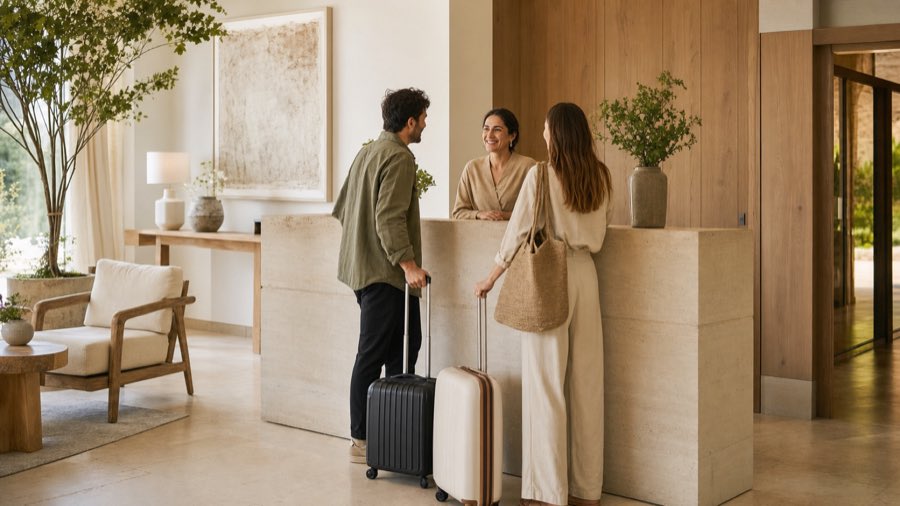
The right information, at the right moment of the stay.
Product demonstration
Explore the guide as a guest sees it.
Open the demo guest guide from this preview of the current interface. Explore practical information, services and recommendations just as your guests would on their phones.
Demonstration guide
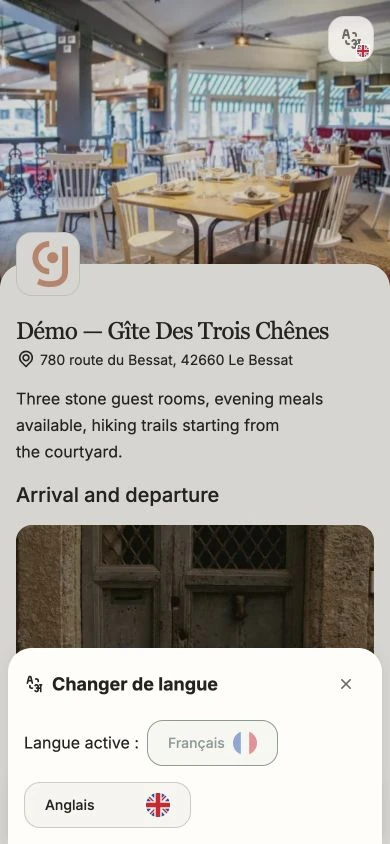
Gîte des Trois Chênes
Your information. Your local tips. Their stay.
- Automatic translation into more than 100 languages
- Recommendations imported from Google Places and displayed on the map
- Practical information and property contacts in one place
 Scan with your phone
The guest guide’s role
Inform without scattering the guest.
The guide replaces information spread across paper, messages and calls with one mobile access point your team can update.
Gather practical information. Wi-Fi, access, hours, instructions, equipment and departure details remain in one place.
Present services and recommendations. Dining, products, activities and local places can support guests throughout the stay.
Provide the right contact. Guests find ways to reach the property, including phone or WhatsApp when configured.
From reception to mobile
A simple gesture for guests, controlled content for the team.
The guide is easy to distribute and information can evolve without reprinting every document.
Property side
Update once, share everywhere.
The back office lets you organise what guests see and keep information consistent across every QR code already distributed.
The guest guide presents your property’s identity, content and contact details. On the free plan a discreet “Créé avec guideyourguest” line sits at the foot of the page; the Site and Direct plans remove it.
Complete the essential sections. Add arrival, stay and departure information that prevents repeated questions.
Enable useful services. Dining, products and contact options can be added to fit your operation. Local places can be found in Google Places, then published with their details and position on the map.
Update without reprinting. The link and QR code remain unchanged when you edit hours, text or instructions.
Before the stay
The guide continues a journey already underway.
The official website presents the property and booking organises the request; the guide remains useful on site.
Frequently asked questions
What to know about the guest guide.
Access, customisation, QR code and updates.
Do guests need to install an app?
No. The guide opens in the mobile browser from a link or QR code.
Does the guide display the guideyourguest brand?
The guide presents your property’s identity, content and contact details. Full white labelling — with no guideyourguest mention at all — is part of the Site and Direct plans.
Do I need to reprint the QR code after an update?
No. The link remains the same when you update information in the back office.
Can I start for free?
Yes. You can create an essential guide, publish practical information and retrieve your QR codes with no credit card.
Is the guest guide translated automatically?
Yes. guideyourguest automatically translates guest guide content into more than 100 languages so each guest can read it in their own language.
Can I add recommendations from Google Places?
Yes. You can search for a place in Google Places, import its useful details and display it on the guest guide map.
Your guest guide
Start with the essential information.
Create your workspace, publish useful information and retrieve your QR codes. You can enrich the journey later.
No credit card · Public link and QR codes included